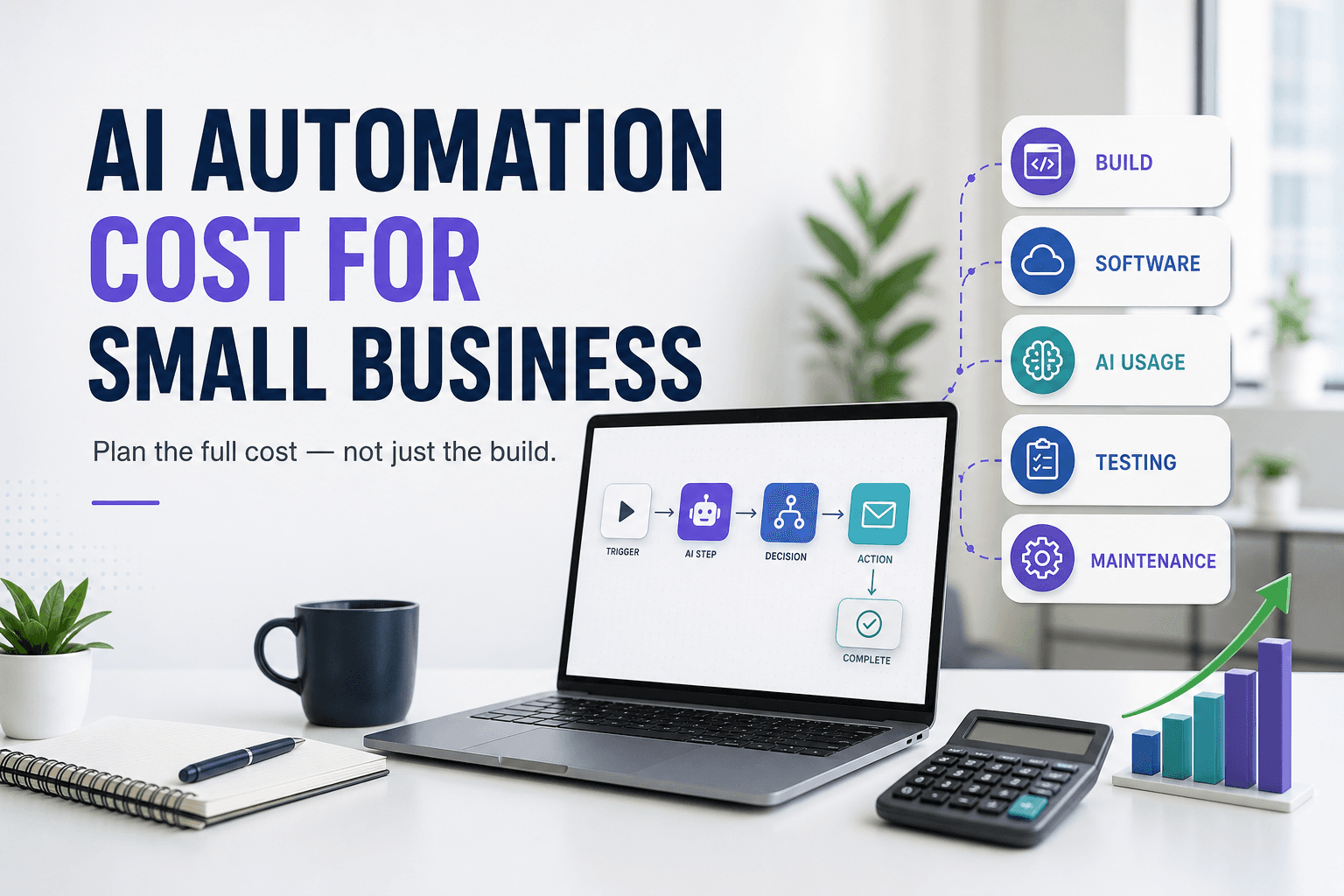
The cost of AI automation for a small business is not one software subscription or one implementation quote. It is the total cost of defining the process, connecting systems, preparing data, building and testing the workflow, paying for usage, monitoring failures, and maintaining it when the business or its applications change.
That is why two projects described as “automate our inbox” can have completely different budgets. One may route messages using three stable rules. The other may extract attachments, identify customers, classify intent with AI, update a CRM, draft replies, enforce approval policies, and recover safely when an API is unavailable.
The practical answer: estimate the first-year total cost of ownership, not a headline build price. A narrow automation can take hours or days; a multi-system, business-critical workflow may take weeks plus ongoing maintenance. Scope and risk determine the budget more than the word “AI.”
If you are still choosing the process, begin with our AI automation for business guide. Once you have a candidate, use the AI automation project brief to turn it into something that can be estimated and tested.
This guide contains a Fiverr affiliate link. We may earn a commission if you purchase a service through it, at no additional cost to you. This does not affect our editorial criteria. Read our disclosure.
Use a first-year total-cost formula
A useful estimate separates one-time implementation from recurring operation. Put real numbers or ranges beside every line instead of hiding everything inside one “automation” category.
FIRST-YEAR AUTOMATION COST

One-time costs
+ process discovery and workflow design
+ data cleanup or migration
+ implementation and integrations
+ testing and security review
+ documentation, training, and handoff

Recurring costs
+ automation platform and connectors
+ AI model or API usage
+ hosting, storage, and monitoring
+ maintenance and support
+ expected changes and quality reviews

= first-year total cost of ownership
Also record internal time. A low external invoice can still be expensive if staff spend weeks clarifying requirements, preparing samples, reviewing outputs, fixing records, or operating a workflow that was never properly handed over.
Eight factors that shape an AI automation budget
1. Process clarity
A documented process with stable rules is faster to estimate than a workflow that changes by employee or customer. Discovery becomes part of the project when nobody can state the trigger, source of truth, exceptions, or successful output.
2. Number and quality of integrations
Supported connectors are usually easier than private APIs, legacy systems, browser-based workarounds, or applications with strict limits. Authentication, webhooks, field mapping, pagination, and rate limits all affect effort.
3. Data condition
Duplicates, inconsistent formats, missing identifiers, scanned files, and uncertain ownership create cleanup and validation work. AI can interpret messy input, but it does not remove the need for reliable records and clear policies.
4. Workflow volume and peaks
Estimate normal and peak events, steps per event, file sizes, retries, and seasonal spikes. These numbers influence platform capacity, API usage, monitoring, and the consequence of a backlog.
5. The role of AI
Classifying one short message is different from reading long documents, searching a knowledge base, generating multiple drafts, or using several models. Narrow AI steps are easier to test and forecast than open-ended agents.
6. Risk and approval requirements
Customer promises, payments, legal content, personal data, account access, and irreversible changes need stronger permissions, audit trails, validation, and human review. Those controls are part of the product, not optional overhead.
7. Reliability and exception handling
A demo handles the happy path. A production workflow also prevents duplicates, retries temporary failures, isolates bad records, alerts the right owner, preserves context, and provides a manual recovery path.
8. Documentation and maintenance
Credentials expire, APIs change, fields are renamed, prompts drift, and policies evolve. Ownership, logs, diagrams, tests, credential transfer, and a change process reduce future troubleshooting time.
Three useful project complexity levels
Use complexity to create a planning range before requesting quotes. These are scope patterns, not advertised market prices.
| Level | Typical shape | Main cost drivers | Planning horizon |
|---|---|---|---|
| Focused rule-based workflow | Two supported apps, clear trigger, simple mapping, notification | Configuration, credentials, testing, short handoff | Hours to several days |
| Multi-app workflow with AI | Several systems, AI classification or extraction, routing, approval | Data samples, prompts, validation, exception paths, usage | Several days to a few weeks |
| Business-critical custom system | Custom APIs or code, sensitive data, high volume, audit and recovery | Architecture, security, environments, monitoring, support | Multiple weeks plus ongoing operations |
A project can move up a level because of one requirement. For example, a simple CRM update becomes more demanding if it may overwrite revenue data, if duplicate records are common, or if the source application lacks a reliable API.
Compare software and AI usage using the same workflow
Automation platforms do not all count usage in the same way. Review the provider’s current rules rather than comparing plan names. Zapier explains usage in terms of tasks, Make publishes plan and credit information, and n8n emphasizes workflow executions. Check the official Zapier pricing page, Make pricing page, and n8n pricing page when preparing a live estimate.
- Count real monthly triggers and every billable action or execution.
- Include retries, polling, branches, premium connectors, team access, and test runs.
- For self-hosting, include infrastructure, backups, security updates, and operational time.
- For AI, estimate input and output volume, model choice, embeddings or retrieval, and repeat calls.
AI API pricing is usage-based and can change. Use current provider documentation, such as the OpenAI API pricing page, then run representative samples. Average message length, document size, output length, retries, and model choice matter more than a guess based on the number of employees.
Costs that a build quote can miss
Internal review
Subject-matter experts must supply examples, confirm rules, review edge cases, and approve outputs. Put this time on the project calendar.
Data repair
Automation exposes inconsistent records quickly. Budget for deduplication, identifiers, field standards, and ownership decisions.
Failure operations
Someone must receive alerts, understand what failed, correct the record, and safely replay or complete the action.
Change and quality review
New fields, policies, campaigns, connectors, and AI behavior require regression tests and controlled updates.
Do not treat human approval as a sign that automation failed. For financial, legal, privacy-sensitive, or high-impact actions, approval can be the control that makes automation appropriate. The NIST AI Risk Management Framework is a useful reference for thinking about governance and risk without assuming every workflow needs the same controls.
Plan a low-risk pilot instead of automating the whole process
A pilot should answer whether the workflow is technically reliable and economically useful. Choose one frequent process, one owner, a limited set of systems, representative data, and a measurable baseline.
- Define the baseline: monthly volume, handling time, delay, error rate, rework, and current software cost.
- Limit version one: automate the administrative middle while keeping consequential decisions and final approval with a person.
- Set a budget envelope: discovery, build, tools, internal review, contingency, and a defined support period.
- Test edge cases: missing fields, duplicates, unavailable services, low-confidence AI output, permission errors, and manual overrides.
- Measure before expanding: compare saved time and quality with all recurring and maintenance costs included.
A useful stop rule
If the pilot cannot produce reliable inputs, measurable acceptance criteria, and a named owner, pause expansion. More AI or more integrations will not repair unclear operations.
How to compare automation proposals fairly
Send the same brief and sample data to each candidate. Then normalize proposals into the same categories instead of comparing only the total price.
- What is included and explicitly excluded?
- Which accounts, subscriptions, APIs, and credentials must you supply?
- How are duplicates, retries, partial failures, and alerts handled?
- Which AI outputs require review, and how is uncertainty handled?
- What tests, documentation, training, and ownership transfer are delivered?
- What post-launch support is included, and how are later changes priced?
- Who owns the workflow, code, prompts, accounts, logs, and generated assets?
Our guide to hiring an AI automation expert includes evaluation questions and warning signs. Use it together with the project brief before requesting estimates.
Optional professional help
Compare business automation specialists
Look for relevant integrations, clear assumptions, testing and error-handling plans, documentation, and maintainable ownership—not the lowest headline quote.
Browse Business Automation Experts on Fiverr Pro →When is automation worth the cost?
Calculate benefits conservatively. Start with measurable capacity and loss reduction rather than an assumed revenue increase.
Monthly measurable benefit
hours removed × loaded hourly cost
+ avoidable error and delay cost
+ verified incremental margin
− recurring platform, AI, review, and maintenance cost
Compare that result with the one-time implementation cost and the risk of failure. If the process is rare, unstable, or difficult to measure, simplification may create more value than automation.
The strongest first projects are frequent, rule-heavy, digitally triggered, painful enough to matter, and safe to reverse. Browse the automation tools directory only after defining those requirements; software should fit the process rather than become the process.
Frequently asked questions
How much does AI automation cost for a small business?
There is no responsible universal price. A focused workflow may take hours or days; a multi-system workflow with AI, controls, testing, and monitoring may take weeks. Use the full first-year formula in this guide and request itemized assumptions.
Is a no-code workflow automatically cheaper?
Not necessarily. No-code platforms can reduce initial implementation time, but cost still depends on usage, connectors, complexity, monitoring, and maintenance. Custom code can be justified when platform limits or high volume outweigh its operating burden.
Should I include a maintenance reserve?
Yes. Reserve time or budget for connector changes, credentials, incidents, quality reviews, policy changes, and improvements. The correct amount depends on business impact and change frequency, so define the support model before launch.
What should I automate first?
Choose a frequent, predictable process where people move digital information between systems and where errors or delays are measurable. Keep the first scope narrow and preserve human approval for consequential actions.
Budget for a reliable process, not an impressive demo
The cheapest automation is not the one with the smallest initial invoice. It is the one that solves a measurable problem, handles real data safely, can be operated by the business, and remains less costly than the work or risk it removes.
Start with one workflow. Document the baseline, define the boundaries, estimate the entire first year, run a controlled pilot, and expand only when the evidence supports it.